




6 Comments
Next up
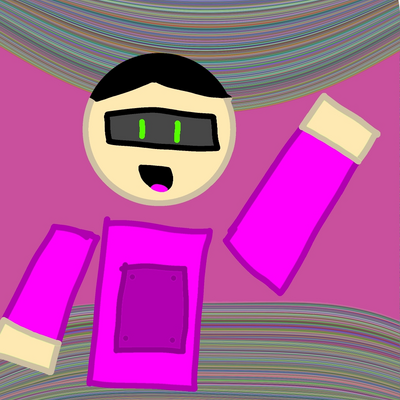
Created by castle #avatarmaker
More #avatarmaker games ↓
To have it as your profile picture like mine, first click on the camera icon. It will take a picture. Then click on the bag icon where it says "Inventory." A black rectangle will appear where you can write something if you want it to appear in the comments; otherwise, leave it blank. Next, go to your account and click on "Inventory." The photo will appear there. Tap on the photo and click the white button that says "Wear" or something similar. That's how you get the photo. Si no sabes inglés solamente traducelo.
Reply

Hu............. ?????? is cat the fun!!!!!!!

Reply

Bro this is the best
Reply

I see you.

Reply

La mega colab bro

Reply

R

Reply
More #avatarmaker games
Cat creator@Citrus_TheCyclopsCat
Capybara editing simulator!!@Froggy_studios_isback
like and follow@goob_goob_goob_goob
Come on for your cat@Cat_is_the_least_cruel