




3 Comments
Next up
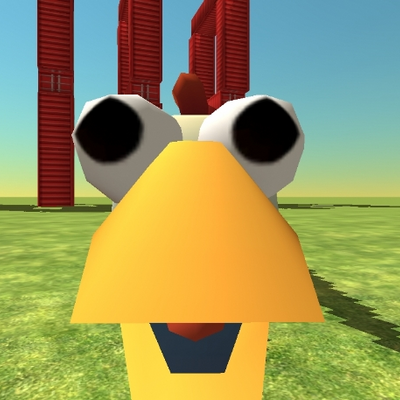
My first chicken gun game

So, I viewed your deck sourse and follow those steps(if you want):
Step 1 press in the editor thee character press the button '"rules" (next to close button(x))
Step 2 scroll down until you find the code thats starts with "when analog begins" press
"Select response" button, scroll and find "disable a behaviour" press on that and select behaviour "slow down"
Step 3 do the exact same but find "enable a behaviour" and select "slow down"
If you dont find the code inside the blueprint, press the character again
So that is it, so you can just follow these steps if you want
Reply
gg
Reply

Why do I have to drag him???
Reply