


Blaster test 2
 1.6k
1.6k1 Comments
Next up
Blaster test 2 #testing

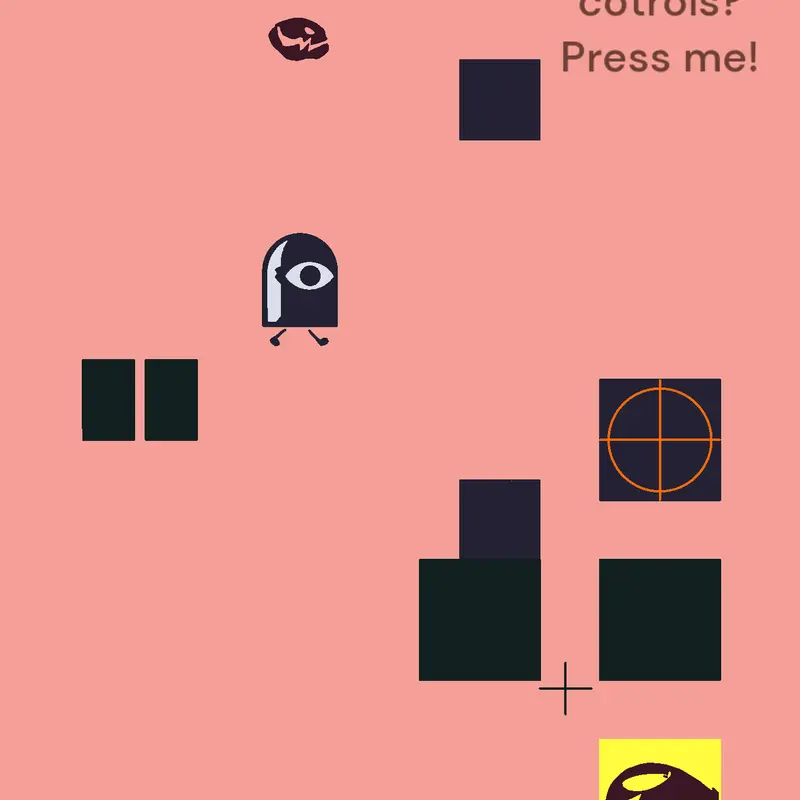
Controls:
The very top button is the
"lock button"
It marks the nearest box with a red circle. (The red circle indicates where the blaster should be aiming)
The "switch camera thingy"
is underneath the "lock button" press the "switch camera thingy" if the nearest box is marked with the red circle then it will change the camera to that box. Now you might see it turn into a character (the button). Press it again to turn back the camera to the character. (And the button back to a box)
The other button should be self explanatory.
Just press it
Reply