


 918
91813 Comments
Next up
More from @Yudan888 ↓

Hacked the hack
Reply

 2Reply
How to do cli
1. Open ur windows computer
2. Go to nodejs.org
3. Click get node.js
4. Scroll down to find a button saying windows installer (.msi)
5. Wait for the installer to install
6. Launch the installer
7. Agree to terms and service and all the random stuff you have to accept
8. Click download node.js
9. Wait for it to install
10. When it’s done installing open these apps: Google, command prompt and file explorer
11. Now just pause with the computer stuff (DONT SHUT DOWN)
12. Go to the device where you normally play castle
13. Open castle
14. Create a new deck
15. Create 1-5 empty blueprints (any more then ur command prompt will crash)
16. Convert all the empty blueprints’ shapes layer to be paint instead of shapes
17. Draw a tiny dot or a scribble or whatever as a placeholder texture for all blueprints
18. Save and exit the deck
19. Make the deck unlisted
20. Somehow find out its deck id (I just make a portal of that deck and look at its deck destination
21. Go back to your
Reply

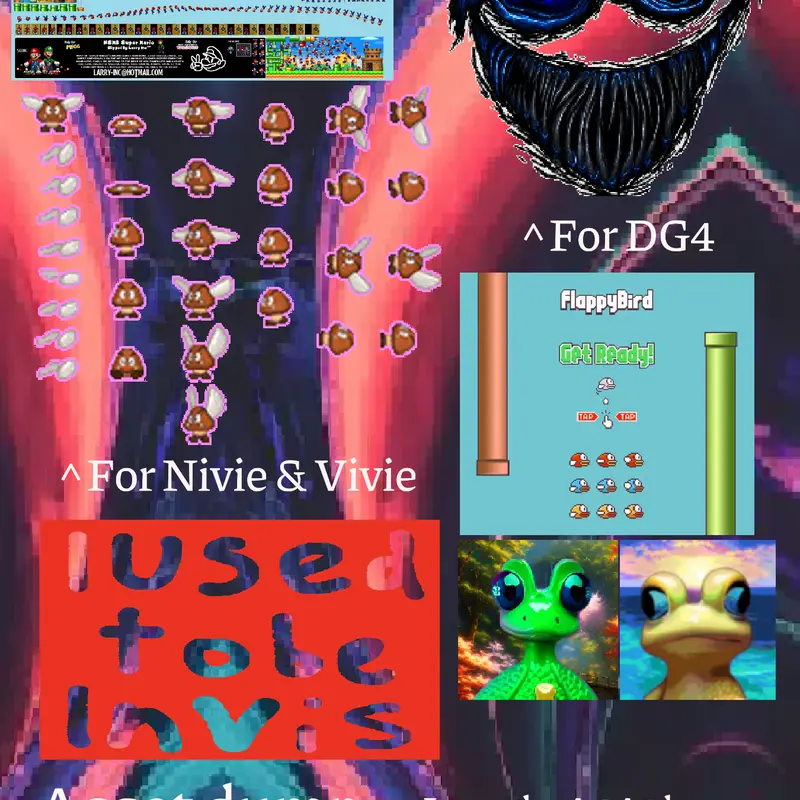
Paragoomba assets
Reply
Reply

Your so advanced! you have impressive work, keep it up!
Reply
More from @Yudan888
How To Make Custom Colors@Yudan888
grizzy & the lemmings grizzy & the Lemmings...@Yudan888
All colors@Yudan888
Oscilloscope@Yudan888