



50 Comments
Next up
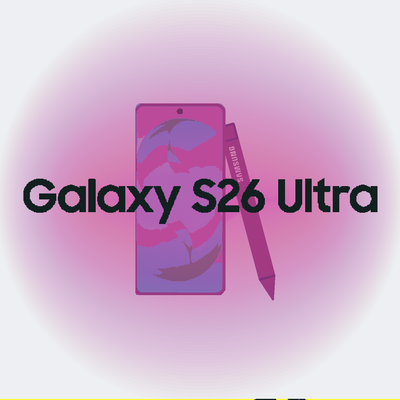
Galaxy CE 8.5
Inspired by Microsoft Windows 11 and CE 5 and Windows XP (sounds). Now for daily use!
V. 9.1 Beta 2
Tags: #samsunggalaxy #microsoft #windows #samsung #game #os #daily
More #samsunggalaxy games ↓
https://forms.gle/8NPXJ4hwR1Acs5Qt6
If you need help, please post your bugs/support/ideas on the link provided with the comment.
Reply
Replaced the clock with Real-time clock.
You can't save the deck and also I re-enabled remixes.
–––
V. 9.1 Beta 2 - Samsung Electronics
Reply

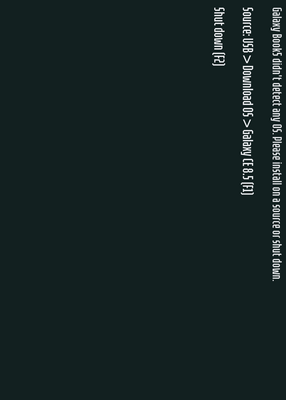
This is how I delete da os
Reply
To get the trap:
1- Restart the deck at BSOD after doing a method to BSOD
2- Start back. You'll see a System Warning after the startup
3- Click Safe Mode. The device will restart at Safe Mode
4- Click Delete OS, then OK. This will clear your OS.
...and you fell into the trap.
Reply
Trap

Reply
Changed some text in some apps
Added a Super Mario Bros. In Gaming Hub and Startup in deck source
Added 2 options on the system warning
Added usernames and avatars in Settings and Menu
Added support of opening Games in the Gaming Hub
–––
V. 9.1 Beta - Samsung Electronics
Reply
More #samsunggalaxy games
A phone ragdoll@FACUNDO89713
Samsung s1-s10 phones@Windows2009_Original
Samsung Galaxy S8@SmMallOfAurAPremier
Samsung Galaxy Recreation@Freezerator
Samsung galaxy S7 test@Windows2009_Original
Samsung galaxy note 7 explosion meme@glosygaming2015gameteam
Samsung Note 4@SamsungUS
Cli & dithering gif/image@W1nd0ws8_1