



1 Comments
Next up
#nickelodeon
More #nickelodeon games ↓
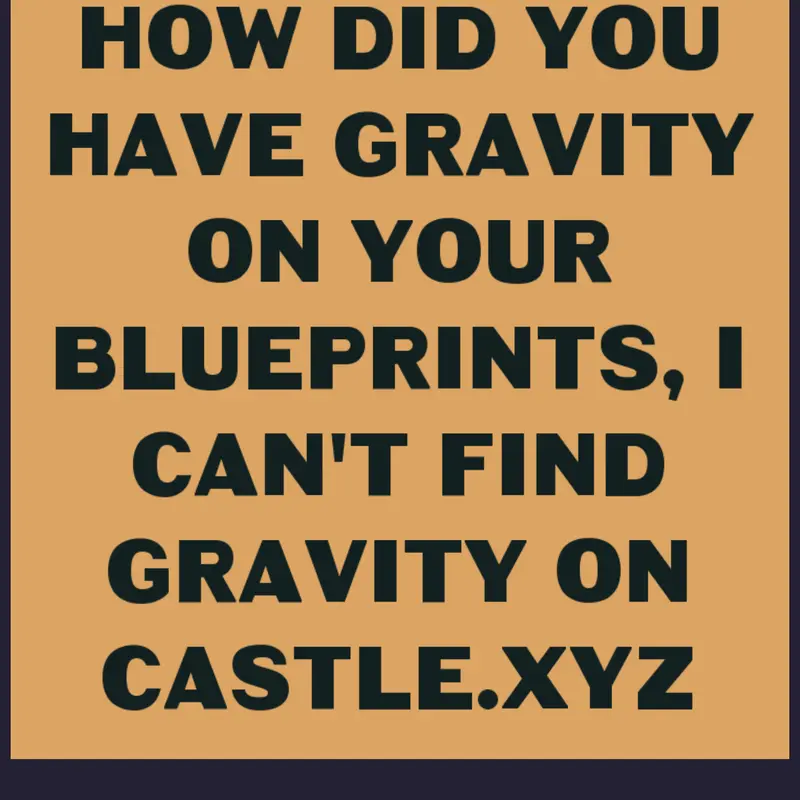
Follow these steps:
1. Tap on any blueprint
2. Tap on the "Edit Blueprint" button that's on the bottom right corner of the screen
3. Tap on the button that says "MOVEMENT"
4. Tap on the button that says "Add physics or controls"
5. Scroll down until you see "Gravity"
6. Tap on "Gravity"
And you're all set!
Reply
More #nickelodeon games
Nickelodeon Playground@CartoonOrange_OFFICAL
Mi quinto nivel@Cris234
Nickelodeon Sandbox@Tanuphat
hard nick dash@X7_and_Y8
Maker nick@memetoty2026
Mess around with the Nickelodeon Logo!@Scottbot
Play with the Nickelodeon logo :)@TimiLodeOn
Nick jr.@Andreas2848585994