

I did it yay
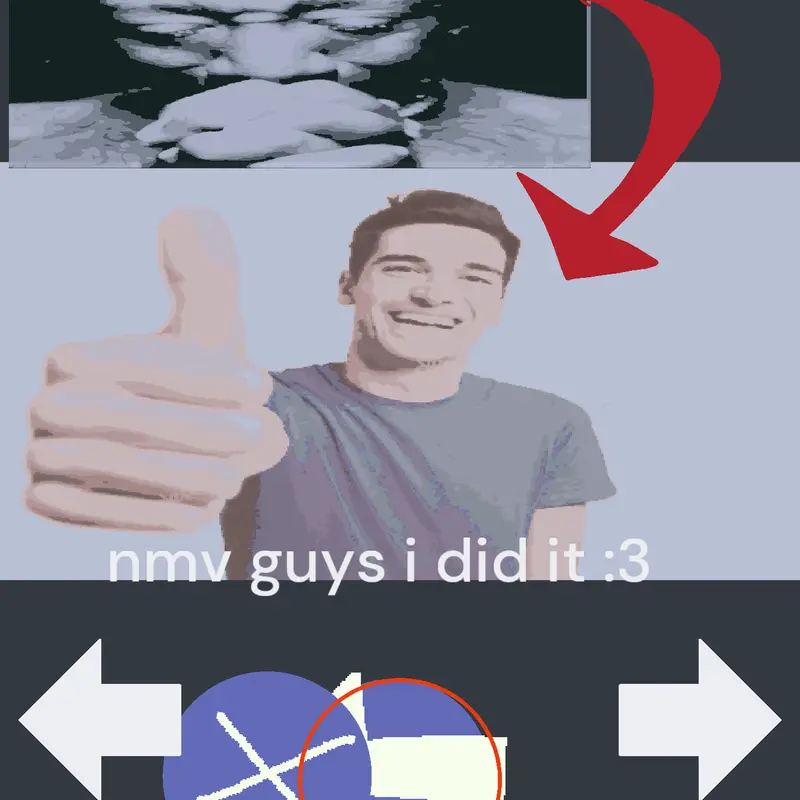
 18.7k
18.7k60 Comments
Next up
I did it yay
More from @TyrhanFurri ↓
pls any if here genius solve these life-threatening quadratic functions impossible unsolvable question pls🙏🥀
 8Reply
Alright, let's see here. Our furry friend claims that: when camera rotates by a single degree the supposed x position and y position it's supposed to go back to after touching the end ball gets modified.
It actually doesn't change.
Try placing a red ball behind the moving ball that ISN'T relative to the camera, and you'll see.
Same goes for zooming: the position is the same although the ball may appear big/small.
9Reply
Here I leave you the solution but I don't know English so you'll have to translate. 😅
Solución (en Castle):
1. Guarda la posición inicial del actor al principio con una variable local:
Usa set originalX to x of self
Usa set originalY to y of self
2. Para volver a esa posición ignorando la cámara:
Usa el bloque:
set position of self to world position from screen x: originalX y: originalY
O si ya está en coordenadas globales, simplemente:
set x of self to originalX
set y of self to originalY
(asegúrate de que el actor no esté vinculado a la cámara con follow ni esté en una capa que se vea afectada por la rotación/zoom)
3. También puedes usar:
detach from camera si está unido a la cámara.
Asegúrate de que el actor no esté en una capa adherida a la cámara si no quieres que se afecte por el zoom.
2Reply
Please we needed more decks I'm hungry to get onr
2Reply
Is it already if I just add you as a character in my utmm clicker game
2Reply
😀👍
2ReplyMore from @TyrhanFurri
animation test@TyrhanFurri
you no credit, me hurt you feelings (joke)@TyrhanFurri
animation uhh@TyrhanFurri
Y'all keep asking how I animate, well here...@TyrhanFurri
Low cortisol@TyrhanFurri
absolute cinema animation test@TyrhanFurri
silly animation I made silly@TyrhanFurri
Destroy one building simulator@TyrhanFurri