



3 Comments
Next up

 Divud550
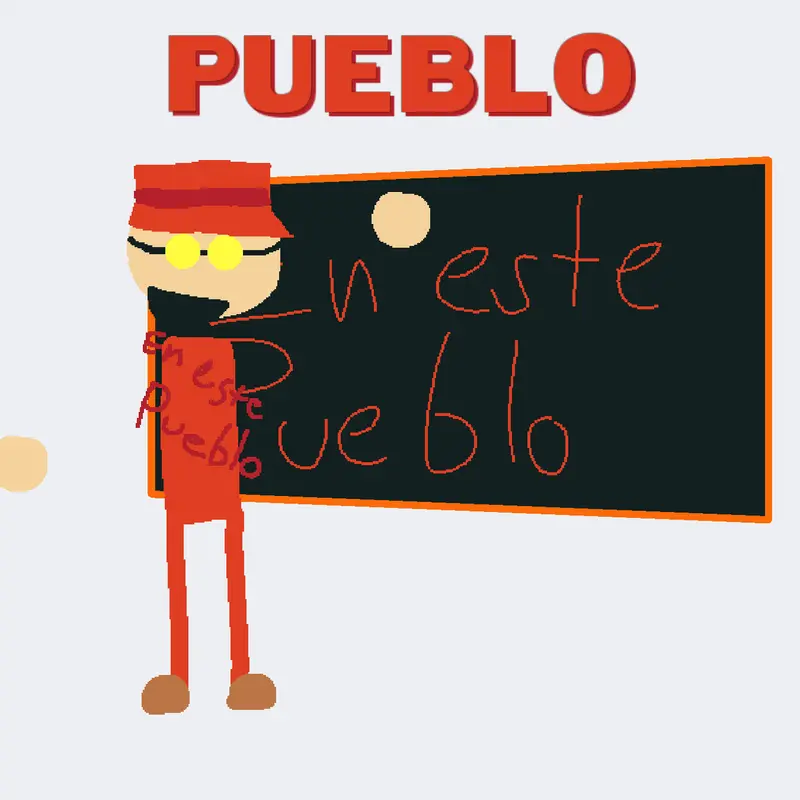
En Este Pueblo #baldi #numberslop
More #numberslop games ↓
Bro ts so peak🥹🥹🥹🥹
 2Reply

When you go to view a blueprint, next to the name there's a clipboard button. To copy it and add it to other projects, click the "Add Blueprints" button (the plus sign) and then the drop-down menu Until you find the blueprint you copied and click on it and it's added to the project, I'm just telling you that the clipboard button won't appear in projects that can't be remixed.
Reply

i was gonna do number mod madness but I don’t know how to copy sprites over to my other projects
Reply
More #numberslop games
Castle numberslop thingy (Parody of =3)@Bear99
GRANDMA BROWNIES CHOCOLATE WUNKER BUNKERS...@Numberlover33367
TAMAM ULAN ASKER (Kahretsin 2) V2.5@TRMete
Template Numberslop@Divud550
THREE@itchzi_another_acc
Karhestin castle port 2@super_sonic_team55
PSHL NAHUI@PSHOLNAHUI
pneumonoultramicroscopicsilicovolcanoconiosis@leonardo1847