


A little challenge
 33
331 Comments
Next up
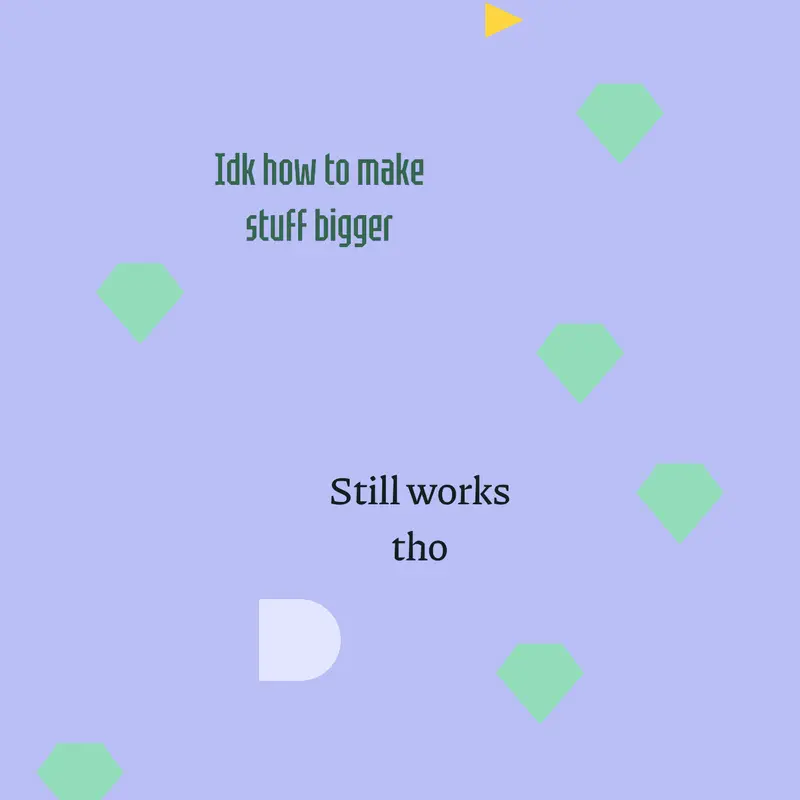
a little challenge. Touch the little triangle thing and get all the gems while its chasing you

1. To make things bigger, you click on it, and in the side (left top) your going to click the bottom one and your going to drag it whatever side you want to make it bigger that way
2.your going to go into what you do to change blueprint and the rule things then scroll down (when your on the first page when you click on it) and you’ll find width: 1.0 and hight 1.0, change it to the right size you want
Reply