


 707
7071 Comments
Next up

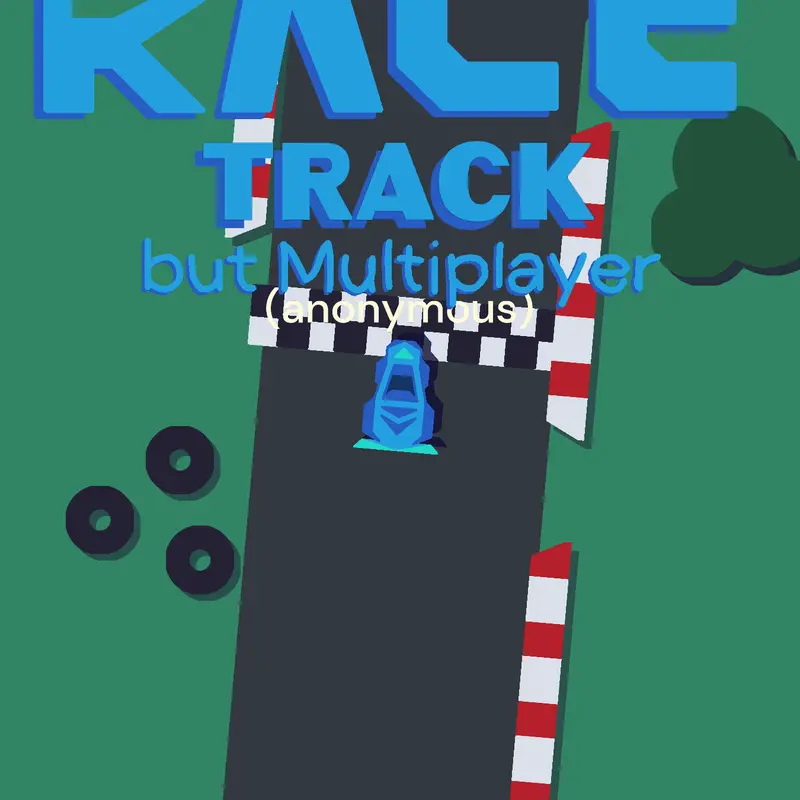
#racetrack I finally learned how to make a #multiplayer deck.

Here's how to make a multiplayer deck by the steps below:
Step 1. Turn single player >
MULTIPLAYER
Step 2. Create a new blueprint
Step 3. Go to logic
Step 4. Create a character
Step 5. Step 4. Go create a "character"
a front this actor and x: 0 y: 0
Step 6. Select "character" blueprint
Step 7. Go to logic
Step 8. Set local to shared
Step 9. Add text
Step 10. Set local to shared
Step 11. Make sure text follows you
Step 12. Publish deck
Step 13. Done!
Reply