


 175.6k
83 Comments
Next up
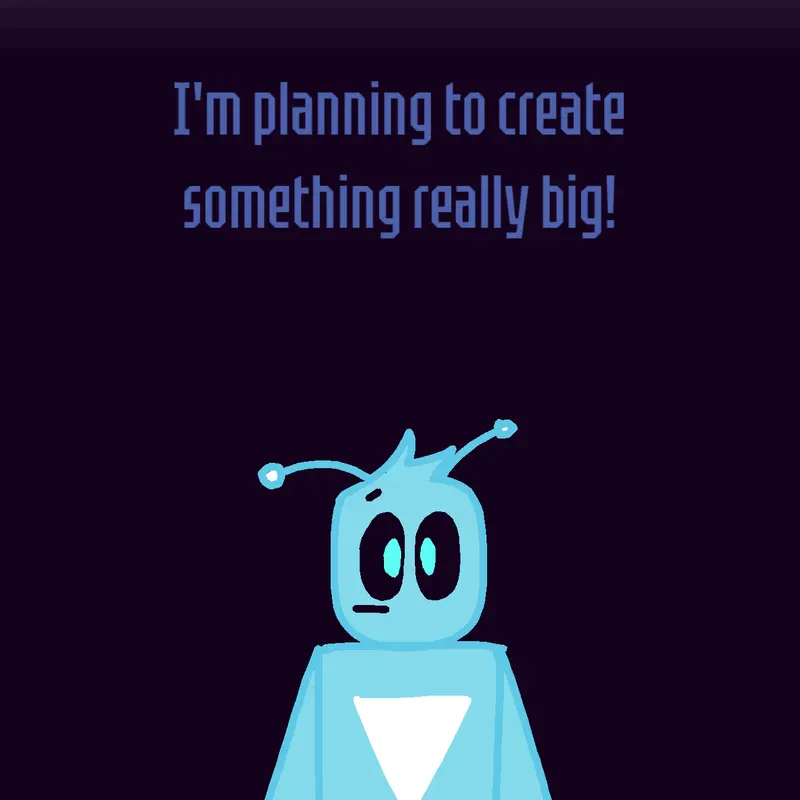
#imboredsoimadethis Something big is coming (I kinda rushed) #something #boredsoimadethis
More #something games ↓
Yeah, some big games are almost finished, actually. You will see. Btw, uhhhhhhhhhhhh.
 11Reply
Do pomni x peso pluma
1Reply
Here’s the code import pygame
import sys
# Initialize Pygame
pygame.init()
# Set screen dimensions
WIDTH, HEIGHT = 800, 600
screen = pygame.display.set_mode((WIDTH, HEIGHT))
pygame.display.set_caption("Stealth Monster Game")
# Colors
WHITE = (255, 255, 255)
BLACK = (0, 0, 0)
# Player attributes
player_width = 50
player_height = 50
player_x = WIDTH // 2 - player_width // 2
player_y = HEIGHT // 2 - player_height // 2
player_speed = 5
# Monster attributes
monster_width = 50
monster_height = 50
monster_x = 100
monster_y = 100
monster_speed = 3
# Game loop
running = True
while running:
screen.fill(WHITE)
# Event handling
for event in pygame.event.get():
if event.type == pygame.QUIT:
running = False
# Player movement
keys = pygame.key.get_pressed()
if keys[pygame.K_LEFT]:
player_x -= player_speed
if keys[pygame.K_RIGHT]:
player_x += player_speed
if keys[pygame.K_UP]:
player_y -= player_speed
if keys[pygam
1ReplyCoding a monster hears you and not see you
1Replyusing UnityEngine;
public class SpikeMovement : MonoBehaviour
{
public Transform player;
public float moveSpeed = 5f;
void Update()
{
// Check if player exists
if (player != null)
{
// Calculate direction to move towards player
Vector3 direction = (player.position - transform.position).normalized;
// Move towards player
transform.position += direction * moveSpeed * Time.deltaTime;
}
}
}
1ReplyIn my computer do you know
1ReplyMore #something games
Early upload :/ Ts idea is so damn overused...@CLAZZAZZ
Bar idle@Linegd
Finally notation upgrade (even with customs...@Linegd
Pipe swinging@B_60
Whatever this is, Line maker?@Payu0001
Make brownies!@UnRandomXD99
I made a song out of sample@Meme_Cat_Lord_2
Huge announcement (Look in comments)@Blurie_Official