


 3.6k
3.6k9 Comments
Next up
#dither
More #dither games ↓
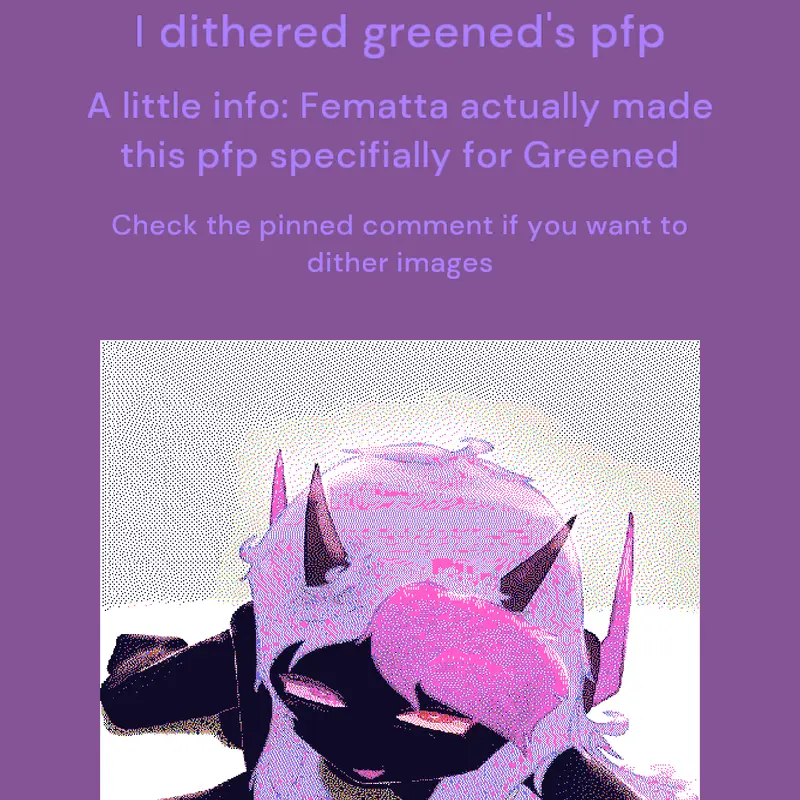
This is the link on where to get the dithered layers
https://websim.com/@Sonkii/image-color-splitter-kiwami
1. Import an image
2. You can change or leave the dither settings in that link provided
3. Wait for a few seconds for the dithered image to load
4. There are options where if you want to download the whole dithered image or the 8 dithered colour layers. (DOWNLOAD THE 8 DITHERED COLOUR LAYERS)
5. Go to the editor and edit a blueprint drawing by importing the images:
Layer 1: only White
Layer 2: only Black
Layer 3: only Cyan
Layer 4: only Magenta
Layer 5: only Yellow
Layer 6: only Blue
Layer 7: only Green
Layer 8: only Red
If the colours you import are diffirent (red layer turned to black for example) just import it and replace the imported image colour's to red. If blue, change it to blue. If green, change it to green. etc
Note: do not enlarge or shrink the layers, it will look weird
 7Reply
hmmmm
2Reply
How do you dither?
1Reply
JSAB SONG
Reply

What is dithering
Reply

owo
Reply
More #dither games
Dithered Images@AbsoluteRavioli
Free To Use Dither/Pixel Art Wega@Weegee_Official
Feed the nerd!!!@night_moon
Como 2 Difuminar credits to SenorL@DoctorGe1985
random dithering that took approximately 2...@siliqilly
Dither🔥🗣️@maximilianoacua
srb2 sonic@FigonaxyTH
2006 Ragdoll Noob@Akkadech