



7 Comments
Next up

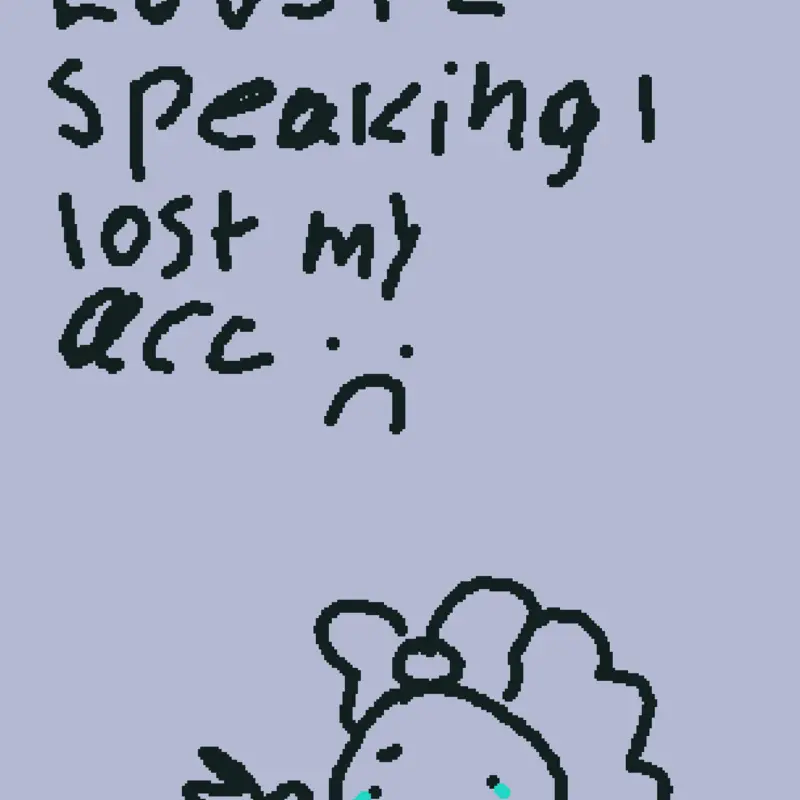
ℕ𝕆𝕆𝕆 𝕀 𝕃𝕆𝔾𝔾𝔼𝔻 𝕆𝕌𝕋𝕋𝕋𝕋 ℍ𝔼𝕃ℙℙ

WAIT CAN U LWK ADD ME TO A PARTY IT WON'T LET ME
Reply

Is this it? Wait no I don't think so
Reply
st more
Reply
To recover your lost Castle Make and Play account, log into the same Google Play or Apple Game Center account you originally used. Open the app, complete the brief tutorial, navigate to in-game Settings, tap Account, and select your bound social profile to retrieve your progress.If you are stuck on a new profile or your linked details are not working, follow these targeted recovery steps:Verify Your App Store Logins: Ensure your phone is actively signed into the exact Apple ID or Gmail account used when the account was first created.Play the Tutorial: Many games require you to complete the introductory tutorial before the Log Out or Switch Account options become accessible.Check Third-Party Binds: If you originally linked the game to a different platform, such as Facebook, use the account switching menu to log in with those specific credentials.For a visual breakdown of how to switch and recover profiles that are connected to Google Play
Yes I gave another information page,just one la
Reply
Information sent here! read!:
To recover your Castle: Make and Play account, open the app, tap the profile icon in the top right corner, and select Sign In. Log in using the exact email and password you originally used, or use the Sign in with Google button if your account was linked to that provider.If you've forgotten your login details or need further assistance accessing the app, check the Castle Dashboard or visit Castle Docs for additional account recovery support.
Reply
Did you accidentally log out or did castle log you out?
Reply